







Implementation Strategies
Implementation starts with a clear blueprint that keeps every venue consistent, and gives operators real control as they scale. With strong network foundations, and a rollout shaped around your operation, new systems land smoothly, and disruption stays low.
We focus on the flow of service first - from kitchen routing, prep capacity, and digital ordering, to payments and loyalty - so everything works the way your team does. With focused training, go-live support, and ongoing optimisation, teams hit the ground running and performance lifts from day one.

Key points:
- Standardise your “site blueprint” first so every venue launches consistently and you avoid chaos when scaling multi-site rollouts.
- Get network + infrastructure right before install
- Roll out in phases (core POS → kitchen → digital ordering → loyalty/payments) rather than launching everything at once.
- Kitchen-first operational configuration: define item routing, prep stations, KDS logic, and throughput rules early because kitchen flow is where most real-world failures appear (not at the till).
- Integrate digital ordering and payments properly (not “bolted on”): align menus/pricing, prep timing, capacity throttling, and payment workflows so online orders don’t overwhelm operations.
- Training and adoption strategy: role-based training + go-live support (FOH, BOH, managers) with our deployment team and post-launch optimisation to reduce downtime and increase system usage.
Hardware and Software
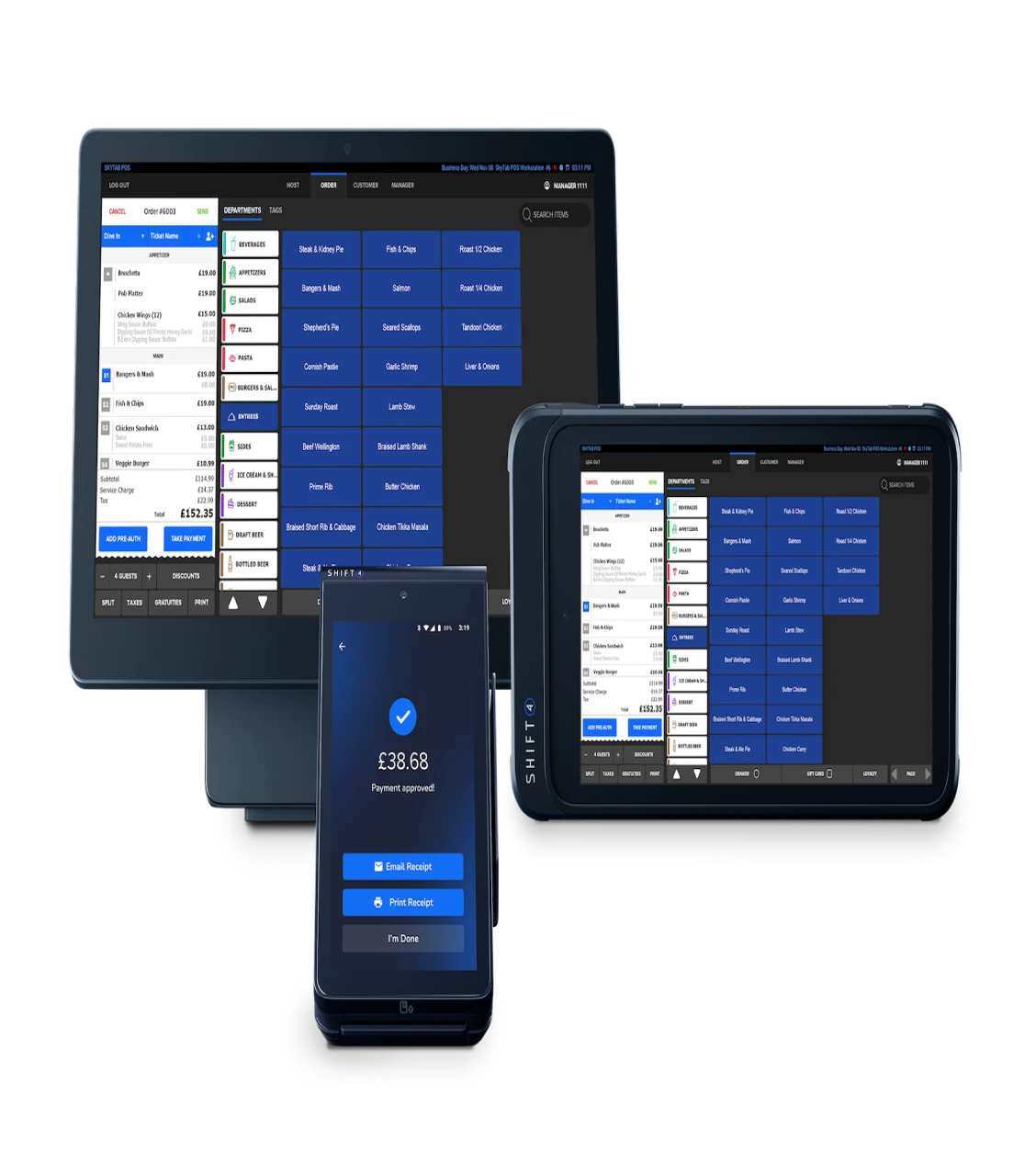
We bring hardware and software together under one trusted partner - from devices, and payment solutions, to the tools that keep your operation running smoothly. Whether you use iPad, Orderman, NCR, Partner Tech, Dojo, or SkyTab, we source and support the kit your venues rely on.
On the software side, POS connects seamlessly with loyalty, payments, QR ordering, reputation management, inventory, delivery, and PMS platforms - creating one connected system, designed and supported end-to-end.
Key points:
- We offer a one-stop shop for hardware and software
- We offer a range of leading hardware solutions including:
- iPad
- Dojo
- Orderman handheld terminals
- SkyTab
- Lightspeed
- Partnertech
- NCR
And many more!
- We provide all the hardware you need including:
- POS Terminals
- Cash Drawers
- Receipt Printers
- Bump Bars
- Digital signage
- Kitchen displays
- Handheld ordering terminals
- EFTPOS/payment solutions
- We work with an extensive range of software partners for
- POS
- Loyalty
- Payments
- QR code ordering
- Reputation management
- Inventory
- Order and pay
- PMS
- Delivery
Rollout processes
Every rollout starts with a clear understanding of your venue, service style, and technical readiness. From there, we create a standardised blueprint that keeps menus, routing, permissions, and pricing consistent across every site.
Hardware, payments, and infrastructure are set up correctly from day one, with networks secured, and systems tested in a realistic environment. With role-based training, a full service run-through, and support at go-live, teams transition smoothly, and performance lifts from day one.
Key points:
- Discovery and site survey: confirm venue needs, service style, integrations, and check network/Wi-Fi readiness to avoid install-day surprises.
- Standardise the blueprint: lock a master template (menu structure, VAT/service charge, tenders, roles/permissions, receipts, reporting) to ensure consistent rollouts.
- Menu and system configuration: build items, modifiers, pricing, allergens, table plans, and routing rules in a staging environment.
- Hardware and infrastructure setup: install terminals/handhelds/printers/KDS, segment networks (EPoS vs guest Wi-Fi), configure backups (4G/failover), pair payments.
- Testing and pilot run: simulate real service (sales, splits, refunds, voids, end-of-day reporting, kitchen routing) and fix issues before full deployment.
- Training and go-live and ongoing support: role-based staff training, planned cutover day, onsite support for first services, then handover to normal day-to-day support with continuous optimisation
Training
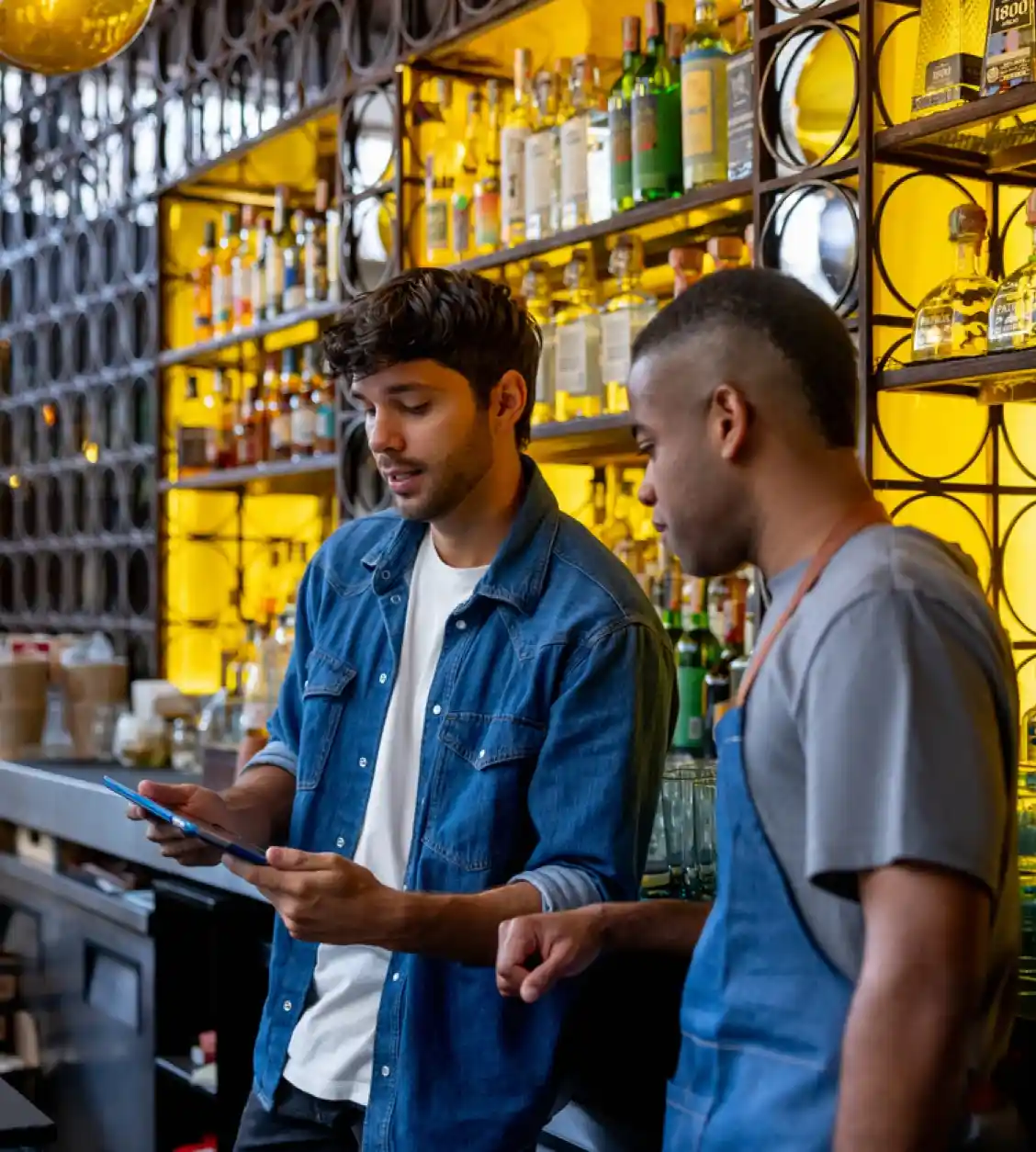
Training is built around the way your teams actually work. We map the needs of each role, and deliver focused, practical sessions that fit around rotas, and mirror real service. From front of house, to kitchen, and management, everyone gets the confidence they need before launch.
With hands-on practice, a realistic training environment and support through go-live, teams are ready to perform from day one.
Key points:
- Training needs assessment: identify roles to train (FOH, bar, kitchen, managers, back office) and define what each role must be able to do confidently.
- Training plan and schedule: set training dates around staffing rotas, split into short sessions, and avoid cramming everything into one day.
- Build training environment: prepare a “training mode” EPoS setup with realistic menu items, tables, discounts, tips, refunds, etc.
- Deliver role-based training: teach staff only what they need (waiters vs bar vs managers) using real scenarios like split bills, tabs, voids, and modifiers.
- Dry run / mock service: run a full practice service (orders → kitchen → payments → refunds → end-of-day close) and fix workflow gaps before go-live.
- Go-live support and reinforcement: provide floor-walking support in the first services, then follow up with refresher sessions, quick guides, and ongoing coaching for new starters.
Support
When issues arise, you need fast, decisive action. Our service desk gives every request clear ownership and priority, with rapid responses that keep disruption low. Most problems are resolved remotely, with third-party coordination handled for you, and engineers dispatched quickly when onsite work is needed.
Regular health checks, and proactive updates help prevent issues before they reach service, keeping your operation running smoothly and your customers happy.

Key points:
- Service desk intake: customers log issues via phone and email, with clear hours of cover, priority levels, and target response times.
- Ticket triage and ownership: support categorises issues (hardware, software, payments, connectivity, user error), assigns an owner, and escalates urgent outages immediately.
- Remote troubleshooting: diagnose and fix issues quickly using remote tools to minimise downtime.
- Third-party coordination: manage and chase external providers where needed.
- Onsite engineering dispatch: schedule field visits for faults that can’t be resolved remotely (printers, cabling, terminals, network hardware, installation issues).
- Proactive support and optimisation: ongoing monitoring, regular health checks, preventative maintenance, software updates, and improvement recommendations to reduce future tickets.
Implementation Strategies
Implementation starts with a clear blueprint that keeps every venue consistent, and gives operators real control as they scale. With strong network foundations, and a rollout shaped around your operation, new systems land smoothly, and disruption stays low.
We focus on the flow of service first - from kitchen routing, prep capacity, and digital ordering, to payments and loyalty - so everything works the way your team does. With focused training, go-live support, and ongoing optimisation, teams hit the ground running and performance lifts from day one.
Key points:
- Standardise your “site blueprint” first so every venue launches consistently and you avoid chaos when scaling multi-site rollouts.
- Get network + infrastructure right before install
- Roll out in phases (core POS → kitchen → digital ordering → loyalty/payments) rather than launching everything at once.
- Kitchen-first operational configuration: define item routing, prep stations, KDS logic, and throughput rules early because kitchen flow is where most real-world failures appear (not at the till).
- Integrate digital ordering and payments properly (not “bolted on”): align menus/pricing, prep timing, capacity throttling, and payment workflows so online orders don’t overwhelm operations.
- Training and adoption strategy: role-based training + go-live support (FOH, BOH, managers) with our deployment team and post-launch optimisation to reduce downtime and increase system usage.
Hardware and Software
We bring hardware and software together under one trusted partner - from devices, and payment solutions, to the tools that keep your operation running smoothly. Whether you use iPad, Orderman, NCR, Partner Tech, Dojo, or SkyTab, we source and support the kit your venues rely on.
On the software side, POS connects seamlessly with loyalty, payments, QR ordering, reputation management, inventory, delivery, and PMS platforms - creating one connected system, designed and supported end-to-end.
Key points:
- We offer a one-stop shop for hardware and software
- We offer a range of leading hardware solutions including:
- iPad
- Dojo
- Orderman handheld terminals
- SkyTab
- Lightspeed
- Partnertech
- NCR
And many more!
- We provide all the hardware you need including:
- POS Terminals
- Cash Drawers
- Receipt Printers
- Bump Bars
- Digital signage
- Kitchen displays
- Handheld ordering terminals
- EFTPOS/payment solutions
- We work with an extensive range of software partners for
- POS
- Loyalty
- Payments
- QR code ordering
- Reputation management
- Inventory
- Order and pay
- PMS
- Delivery
Rollout processes
Every rollout starts with a clear understanding of your venue, service style, and technical readiness. From there, we create a standardised blueprint that keeps menus, routing, permissions, and pricing consistent across every site.
Hardware, payments, and infrastructure are set up correctly from day one, with networks secured, and systems tested in a realistic environment. With role-based training, a full service run-through, and support at go-live, teams transition smoothly, and performance lifts from day one.
Key points:
- Discovery and site survey: confirm venue needs, service style, integrations, and check network/Wi-Fi readiness to avoid install-day surprises.
- Standardise the blueprint: lock a master template (menu structure, VAT/service charge, tenders, roles/permissions, receipts, reporting) to ensure consistent rollouts.
- Menu and system configuration: build items, modifiers, pricing, allergens, table plans, and routing rules in a staging environment.
- Hardware and infrastructure setup: install terminals/handhelds/printers/KDS, segment networks (EPoS vs guest Wi-Fi), configure backups (4G/failover), pair payments.
- Testing and pilot run: simulate real service (sales, splits, refunds, voids, end-of-day reporting, kitchen routing) and fix issues before full deployment.
- Training and go-live and ongoing support: role-based staff training, planned cutover day, onsite support for first services, then handover to normal day-to-day support with continuous optimisation
Training
Training is built around the way your teams actually work. We map the needs of each role, and deliver focused, practical sessions that fit around rotas, and mirror real service. From front of house, to kitchen, and management, everyone gets the confidence they need before launch.
With hands-on practice, a realistic training environment and support through go-live, teams are ready to perform from day one.
Key points:
- Training needs assessment: identify roles to train (FOH, bar, kitchen, managers, back office) and define what each role must be able to do confidently.
- Training plan and schedule: set training dates around staffing rotas, split into short sessions, and avoid cramming everything into one day.
- Build training environment: prepare a “training mode” EPoS setup with realistic menu items, tables, discounts, tips, refunds, etc.
- Deliver role-based training: teach staff only what they need (waiters vs bar vs managers) using real scenarios like split bills, tabs, voids, and modifiers.
- Dry run / mock service: run a full practice service (orders → kitchen → payments → refunds → end-of-day close) and fix workflow gaps before go-live.
- Go-live support and reinforcement: provide floor-walking support in the first services, then follow up with refresher sessions, quick guides, and ongoing coaching for new starters.
Support
When issues arise, you need fast, decisive action. Our service desk gives every request clear ownership and priority, with rapid responses that keep disruption low. Most problems are resolved remotely, with third-party coordination handled for you, and engineers dispatched quickly when onsite work is needed.
Regular health checks, and proactive updates help prevent issues before they reach service, keeping your operation running smoothly and your customers happy.
Key points:
- Service desk intake: customers log issues via phone and email, with clear hours of cover, priority levels, and target response times.
- Ticket triage and ownership: support categorises issues (hardware, software, payments, connectivity, user error), assigns an owner, and escalates urgent outages immediately.
- Remote troubleshooting: diagnose and fix issues quickly using remote tools to minimise downtime.
- Third-party coordination: manage and chase external providers where needed.
- Onsite engineering dispatch: schedule field visits for faults that can’t be resolved remotely (printers, cabling, terminals, network hardware, installation issues).
- Proactive support and optimisation: ongoing monitoring, regular health checks, preventative maintenance, software updates, and improvement recommendations to reduce future tickets.